

All your products in one place. On Allegro in one click.
The Contelizer PIM keeps the data, photos and condition of every item. When a listing is ready, you post it on your Allegro account. Up to 100 listings a month you pay nothing.
Read the narration text
1. First screen
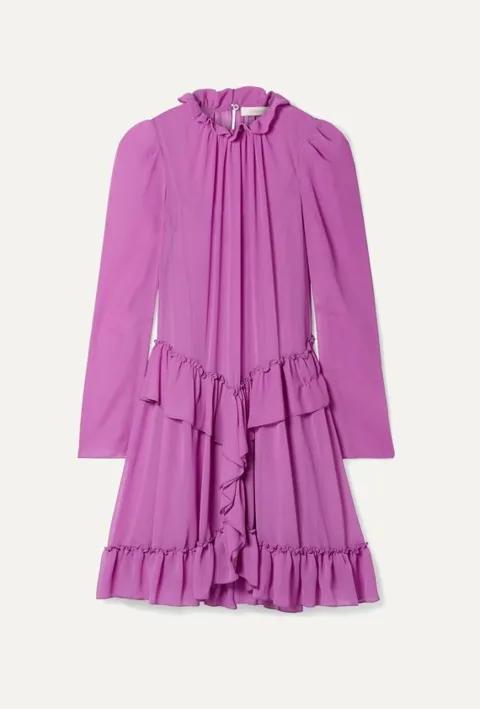
Listen for a moment. I will show you how a ready Allegro listing comes together in the Contelizer PIM: from a photo of the dress alone to the listing preview. Here are products from a return pallet. Some are already on Allegro, some are waiting to be listed.
2. Product data
This is the product card from our panel. You enter the name and size, and the panel converts the size to European and British on its own. The price list works out the price. AI suggests the Allegro category from the photo. You get three proposals and pick the right one. The Attributes button marks the neckline, length, colour, sleeve and style. Attributes from AI show a star. AI also suggests the title. One click moves it to the Allegro title, and a counter keeps it within seventy-five characters. When no required field is missing, you save the product.
3. Photos on a model
Step two is photos. Here you have a ghost photo, meaning the dress alone, without a model. In AI models you point to that photo and choose a model and a pose. The panel recognises the garment type from the category. AI shows quick proposals. The full photo is made only from the one you pick. The photo goes into the gallery marked as AI, as Allegro requires.
4. Description
AI can also write the description, from the photos, attributes and title. You check it and adjust it in the row builder.
5. Allegro
You link the product to the Allegro catalogue by its EAN code. At the end you see the listing preview, on desktop and on a phone. This is how a buyer will see it.
6. Where and how much
You list on Allegro straight from the PIM. Other channels, orders and shipping run in Easyitem. Up to one hundred listings a month the PIM is free. With a paid PIM, AI credits are fifteen percent cheaper.
7. Last step
We will tailor the product card, the AI features and the automations to your range. Leave your details, and within one business day we will show it on your products.
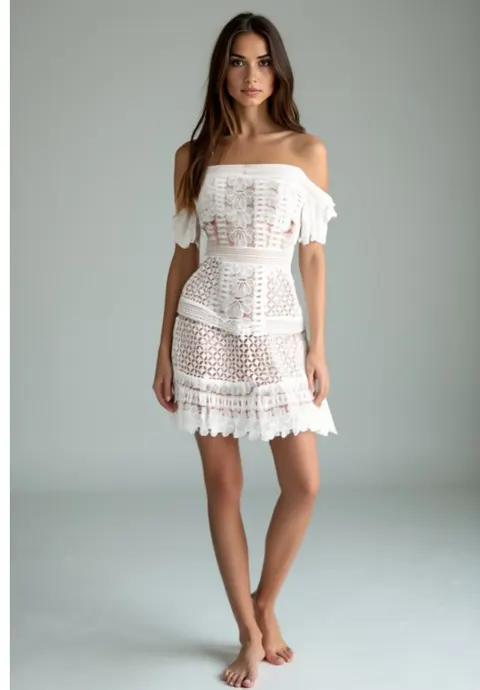 Lace dress, whiteEAN 5904862113listed
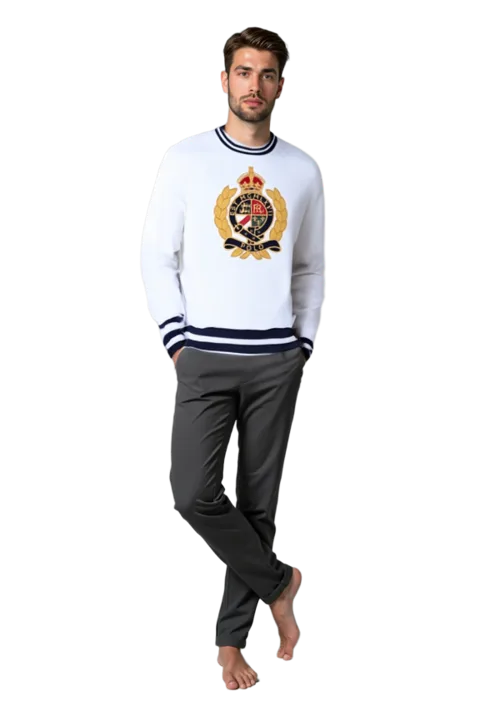 SweatshirtSKU sw2207118listed
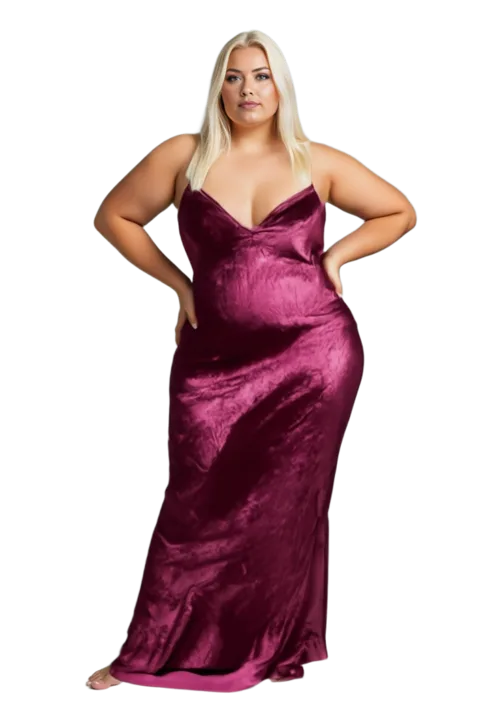 Satin dress, burgundyEAN 5901234560012ready to list
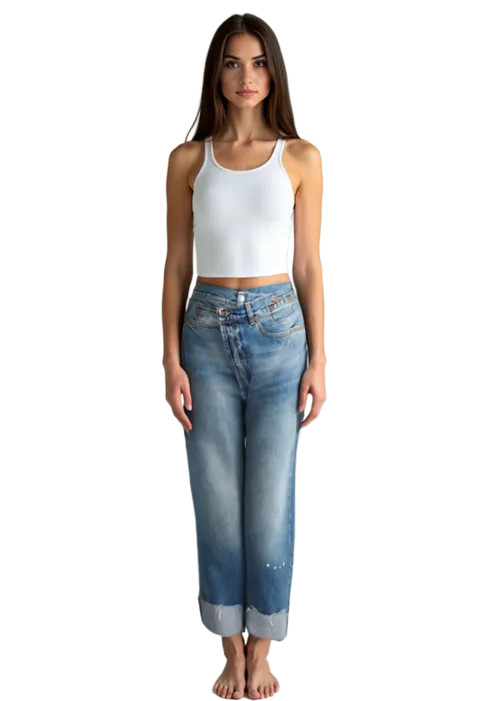 Wide-leg jeansno EAN, written from scratchdescription in progress
The whole product card, step by step.
This is how work in the PIM looks. AI recognises the category and attributes, suggests a title and dresses a model in your product. You check and approve. We tailor the product card, the AI features and the creation automations to your needs and your range.
- Basics2
- Price and sale1
- Category and fabric1
- Category attributes
- Safety (GPSR)1
- Shipping
- Fashion › Women › Dresses
- Fashion › Women › Skirts
- Fashion › Wedding › Gowns
- Quick pick 3
- Background removal
- AI models
- Thumbnail builder
- Cropping
- Gallery management
AI-generated photos must be marked (an Allegro requirement). Photos from AI models are marked automatically.
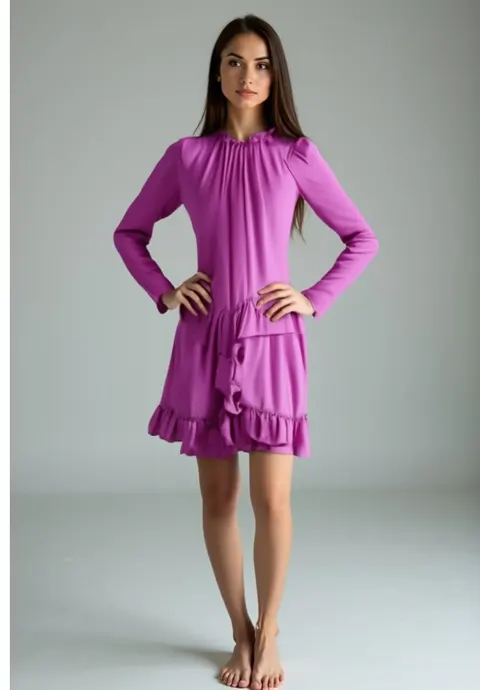
1. Point to the product photo front works best · FlatOn a person
2. Garment type recognised from the product category · TopBottomOne-piece
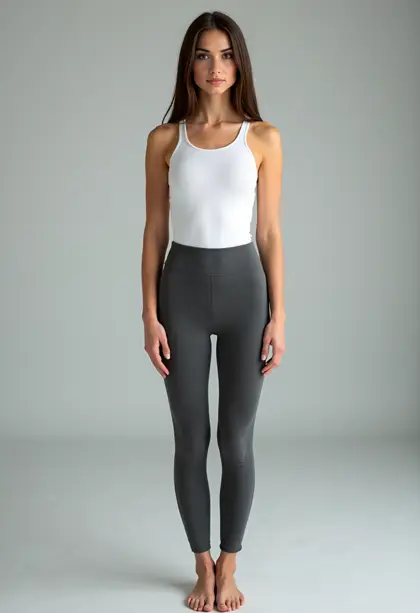
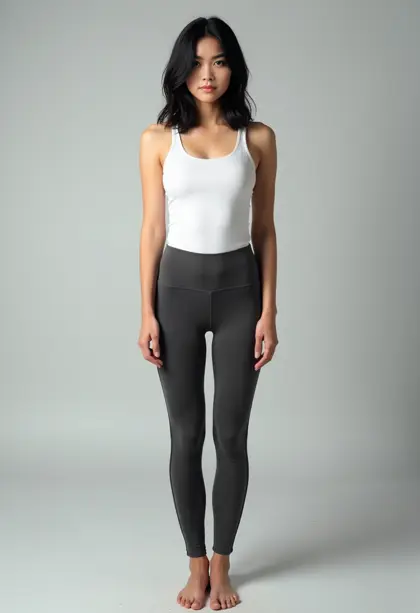
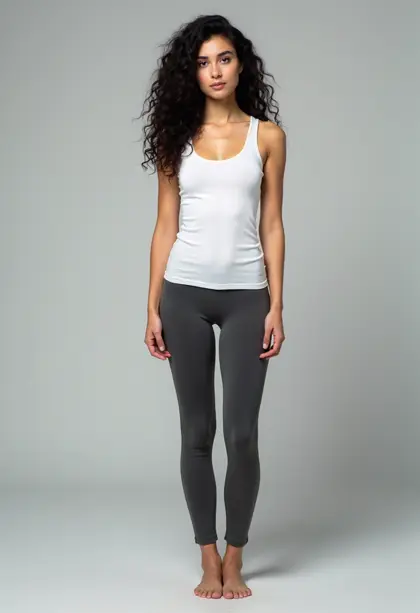
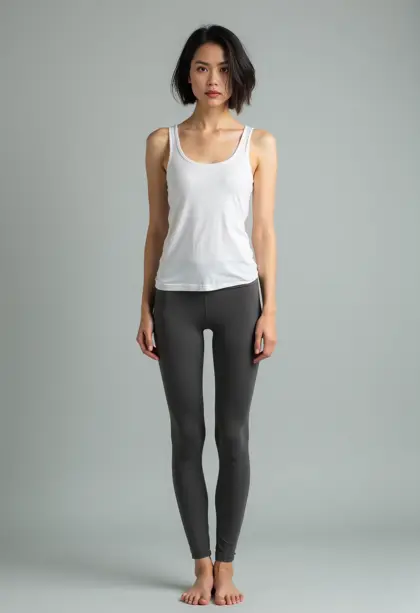
Pose: Front · proposals per pose: 3Show proposals
Front · Generating…
Full photos go to the gallery last, marked as AI (Allegro rules).
Save selectedSaved photos in gallery: 1
AI is writing the description…
A bold colour that catches the eye and a cut that needs no styling. The tie collar finishes the neckline, long sleeves add elegance, and the ruffled hem moves with every step.
- Cut: mini, slightly flared ruffled hem
- Neckline: stand collar with a tie
- Sleeve: long, with a cuff
- Fabric: 100% polyester, does not crease when travelling
- Size: M (EU 38, UK 10)
- Condition: new with tags
Day: white sneakers and a denim jacket. Evening: black ankle boots and a small bag. Office: sheer tights and a blazer.
- A new dress with tags, checked before shipping
- Real product photos and a photo on a model
- Size given in three systems, easy to choose
The product is linked to a product in the Allegro catalogue. Attributes and category come from the catalogue.
Allegro › Moda › Women › Dresses
Size: M · Colour: purple
- Format
- Buy now
- Condition
- new with tags
- Size
- M (38)
- Photos
- 4 · 1 AI
A replica of the panel card, sample data. Click a step to view it.
- fields and attributes
- AI features
- automations
- Allegro categories
We check your Allegro listings and tell you what holds them back.
AI checks titles, categories, attributes, photos and descriptions. You get a report listing the weakest offers and what to fix first.
- 01You give us your Allegro account name
Or links to a few offers you want to start with.
- 02AI checks the offers
Title, category, attributes, photos and description. The weakest go to the top of the report.
- 03You fix them, best in the PIM
AI suggests category, attributes, title and description and puts photos on a model. See the product card above.
The audit changes nothing on your account. See how the audit works.
From the label to a listing, in five steps.
The subscription includes product search and product data, preparing returns for sale and posting Allegro listings.
- 01Scan
Scan the label, EAN or SKU. The PIM looks it up in the data we have already collected.
- 02Data
If the product is not in the data, for example with Shein, the description is written from scratch.
- 03Condition
Each item gets one of the 4 Allegro conditions. The description matches the item.
- 04Photos
Turn a warehouse photo into an on-model photo. This is an AI service paid with credits.
- 05Allegro
Title, category, attributes, condition and photos are ready. You click “List”.
Where the data comes from: Product data. How it works on a return pallet: Returns and end-of-line. Model photos straight from a photo session, in the model card: AI for fashion.
Allegro from the PIM. The rest in Easyitem.
You post on your own Allegro account, in one click.
Orders, markdowns, other marketplaces, stores, couriers and accounting. All Easyitem integrations
You pay by listings. Up to 100 for free.
The subscription follows the higher of two tiers: listings a month or items in active listings. Nothing is blocked when you pass a tier.
| Listings a month | Net / month |
|---|---|
| up to 100 | 0 zł |
| up to 500 | 249 zł |
| up to 1 000 | 489 zł |
| up to 2 000 | 959 zł |
| up to 4 000 | 1 890 zł |
That is how much less every AI credit package costs while you have a paid PIM subscription. Example: 1,000 credits cost 1,352 zł instead of 1,590 zł.
Questions we hear most.
Can you adapt the product card to my industry?
Yes. Fields, attributes, AI features and creation automations are set up for your range and the way you work. Different for clothing, different for returns and pallets, different for end-of-line stock.
What if I go over 100 listings?
Nothing gets blocked. For the month you pay the price of the tier your usage fell into. Example: the 101st listing moves the PIM to the 101–500 tier, 249 zł net for the whole month.
Is there a discount if I take the PIM and AI?
Yes. With a paid PIM subscription, above the free tier (100 listings or 625 items in active listings), every AI credit package is 15% cheaper. The discount applies while the paid subscription runs.
Do I need the PIM to use AI?
No. You use AI services in the PIM next to your products or without the PIM. Without the PIM you get the models screen plus names and descriptions that you export to files. You also get an API token, so you can run the AI services through the Contelizer AI integration in Easyitem. You pay the PIM subscription only if you list on Allegro through it.
How do I pay?
The AI module is paid upfront: a package starts once payment is booked. The PIM subscription follows the thresholds of the given month. 23% VAT is added to net prices.
20 minutes. We show results on your own products.
We will reply within one business day to set a time.
- 1We reply
Within one business day, in person, no bots.
- 2A 20 minute call
About your products and numbers, not our pitch.
- 3A sample or a plan
You see results on your own data before you sign anything.