

Clothes on a model. No studio, no shoot.
You photograph the garment: flat lay, on a shadowless table or on a ghost mannequin. We dress one of our 22 models in it and deliver photos ready for Allegro and your store.
10 years on the market. You can try background removal right away, no sign-up.
Read the narration text
1. First screen
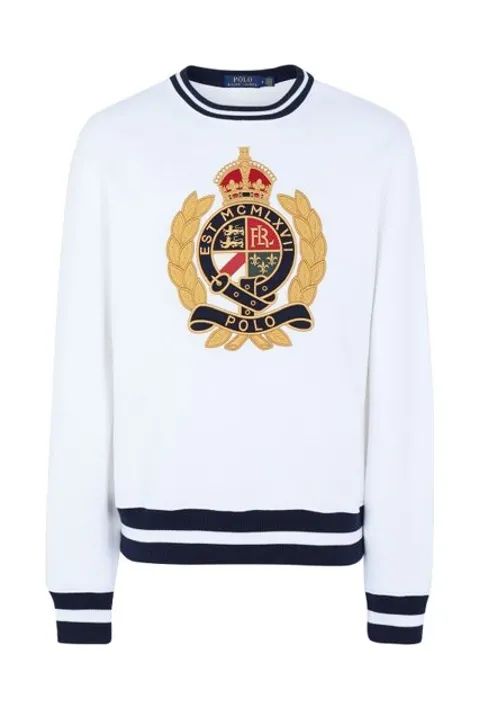
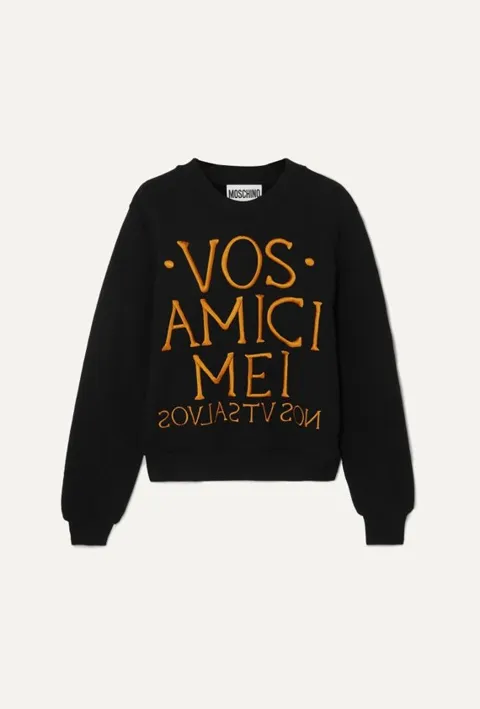
Listen for a moment. I will show you how to get photos of clothes on a model, with no studio, no photographer and no shoot. Look at the slider. On the left, a plain photo of the garment. On the right, the same garment on our model. These are real results from our system. Drag the slider and compare. You photograph the garment, flat lay or on a shadowless table. We deliver photos ready for Allegro and for your store.
2. Sound familiar?
In outlets and returns every item is different and margins are thin. A shoot for three hundred returns does not pay off. A garment lying flat does not show how it sits on a body. The buyer cannot tell the fit. And every batch looks different: different light, background and framing. The store starts to look like a flea market.
3. Film: how we do it
See how it works, in six scenes. You start with a photo of the garment. Even one like this: dark, crooked, with a messy background. AI removes the background, straightens the frame and fixes the light. Only the garment remains, on a white background that meets Allegro rules. You pick one of twenty two people: a female or a male model. AI dresses the model in the garment from the photo. Cut, length, colour and pattern stay as in the original. Every garment in the collection gets the same model, the same light and the same background. The store looks like one photo shoot.
4. What you get
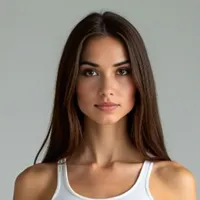
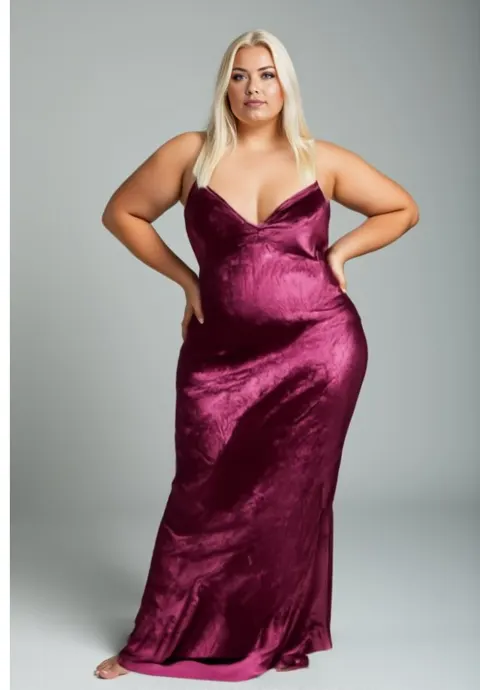
This is the photo we deliver. A calm background and the same face across your store. The cut stays as in the original, plus a close-up that shows the weave and texture of the fabric. You get the photos in sizes for Allegro and your store, or straight into PIM and Easyitem.
5. Before and after, our models
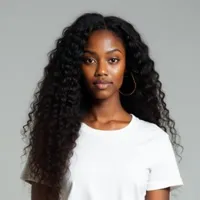
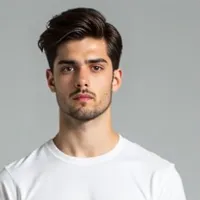
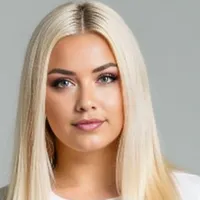
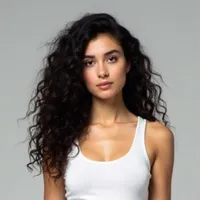
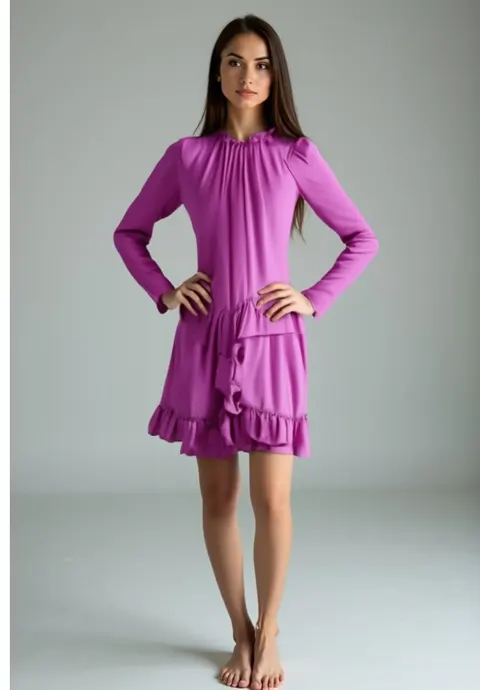
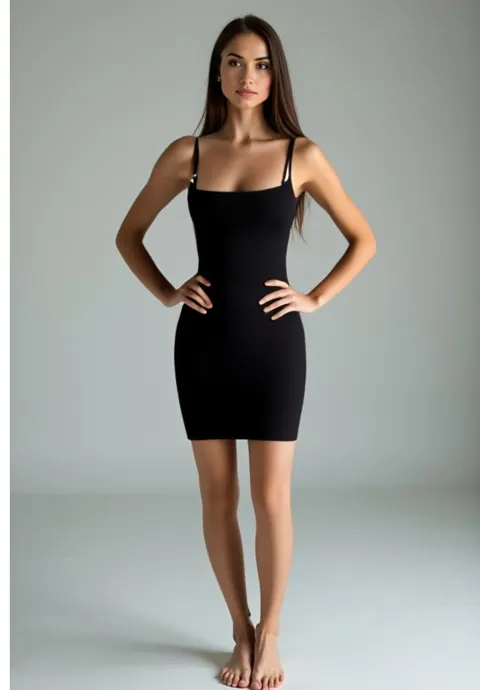
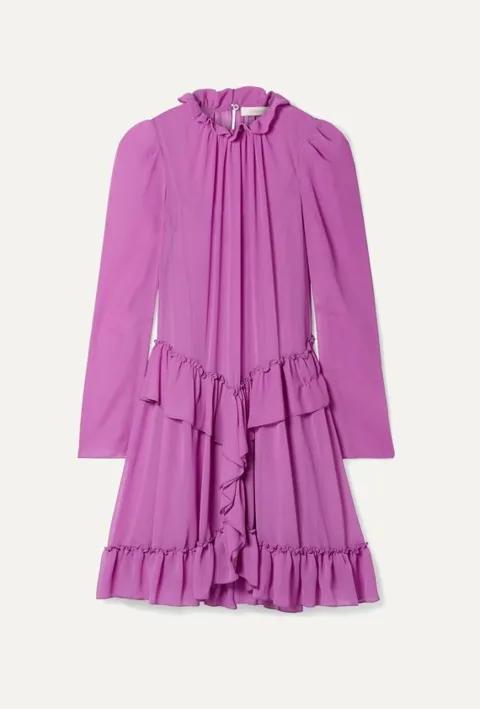
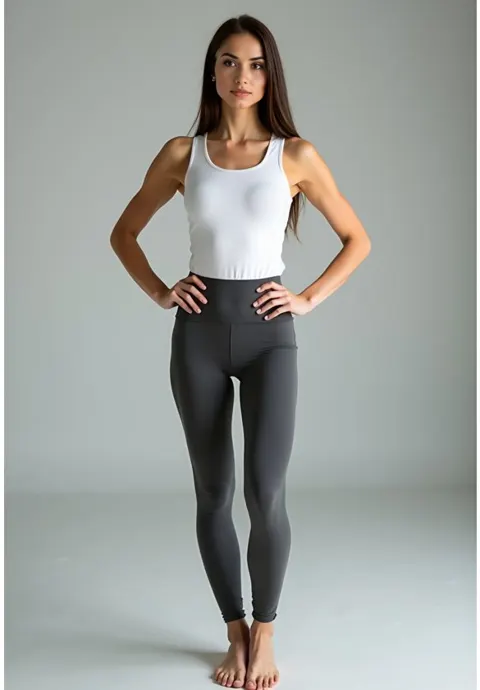
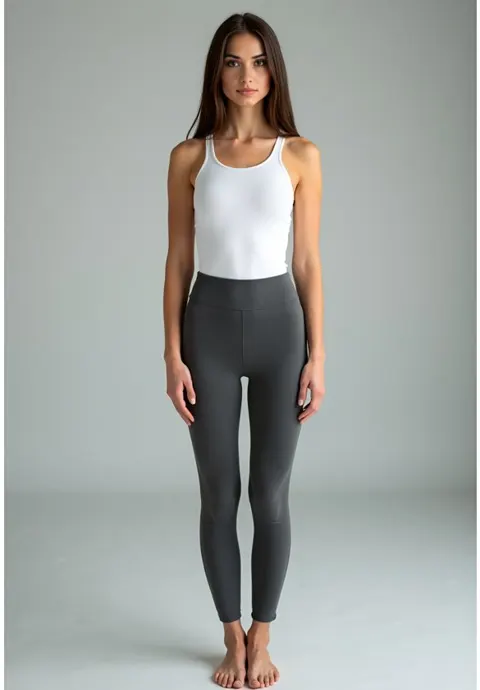
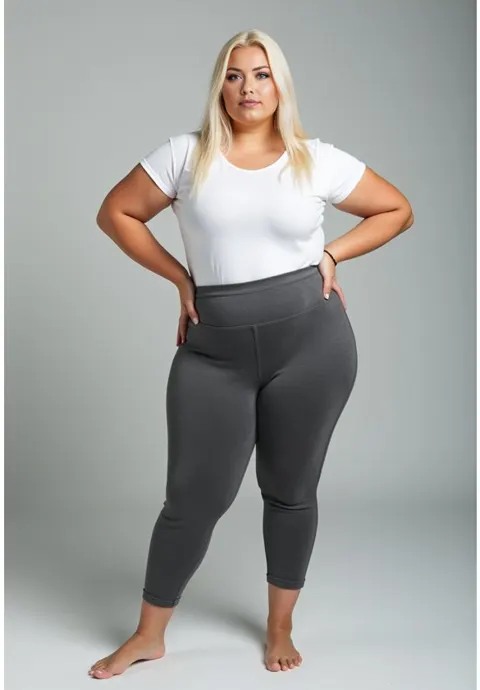
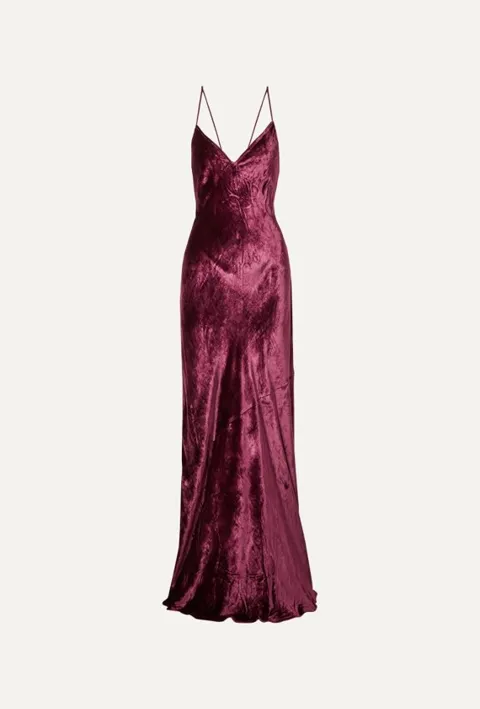
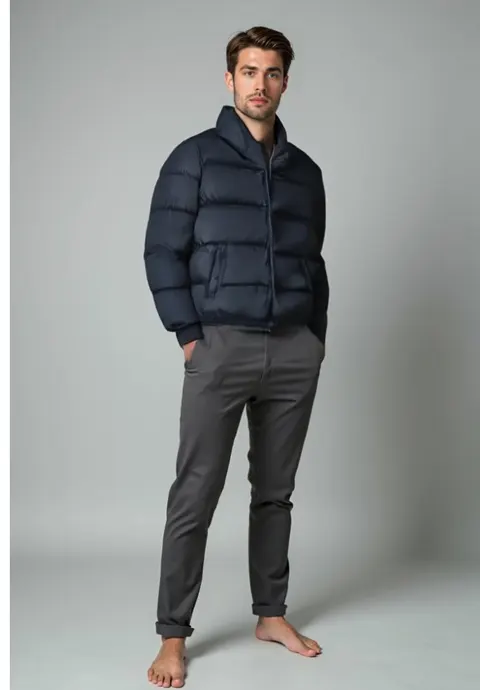
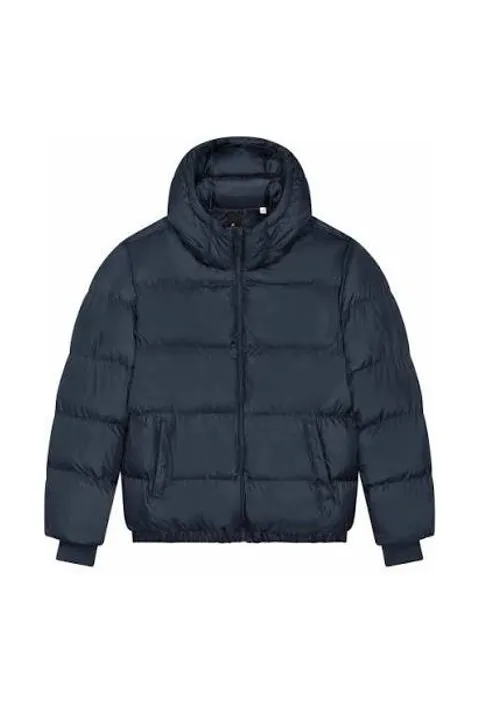
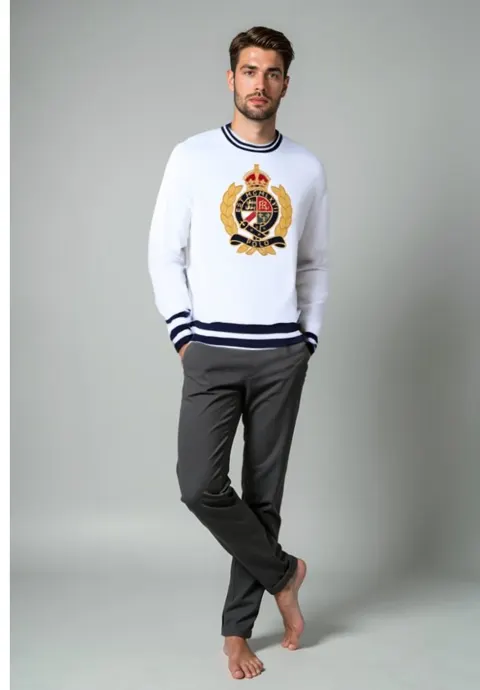
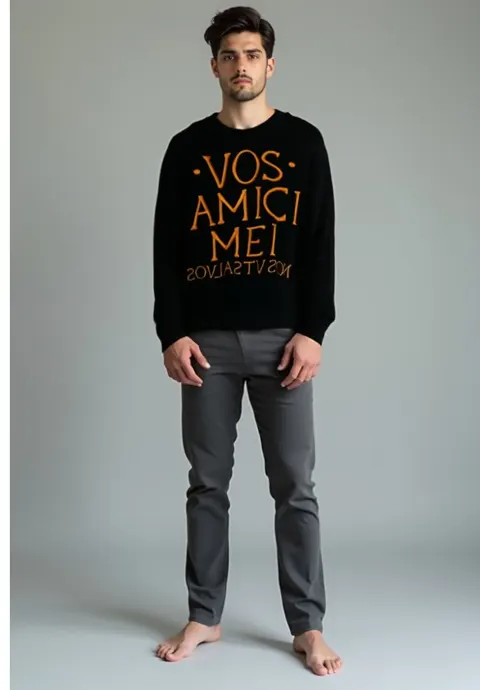
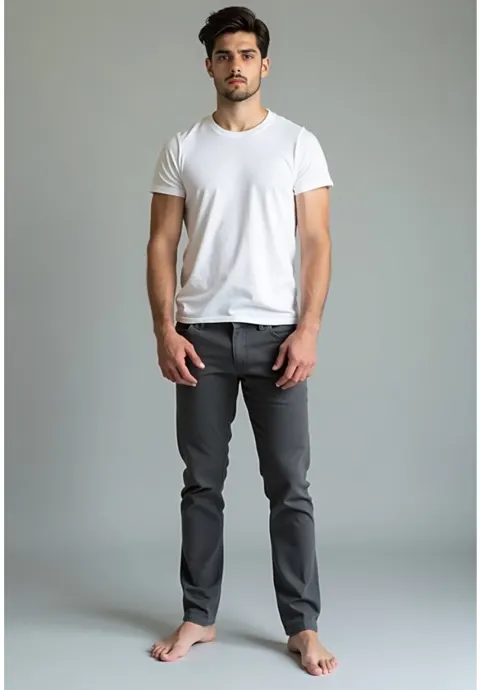
Here are more examples, from dresses to puffer jackets. In the corner of each photo you can see what we started from. And these are our models. Twelve women and ten men, different looks and body types, plus size included. Each person has ten to thirteen poses. You pick once and the whole collection looks consistent.
6. Process
We do more than edit photos. We set up the whole path, from the photo station to the finished listing. You take the photo on an Orbitvu shadowless table. Thanks to our integration it reaches us by itself. Nobody copies files. We dress the model and set the background, and the photos land in your listing on Allegro, in your store or in Easyitem.
7. Proof and calculator
Background removal already runs at scale. At one client, a designer needed a minute or two per photo. Now the background is gone in under a second, and that means twenty thousand photos a day without a bigger team. Work out what manual photo editing costs you. Pick an example or move the sliders: number of photos, minutes of work and hourly cost.
8. Questions
Here are answers to the questions we hear most: does the model look natural, will the garment change shape, how much it costs and how to take a good flat lay photo. A phone and daylight are enough.
9. Last step
The easiest way is to test it on your own clothes. Send us ten photos and we will return them as photos on our model, with a clean background. We reply within one business day, in person. You see the result before you sign anything. And you can try background removal right away, free and with no sign-up.
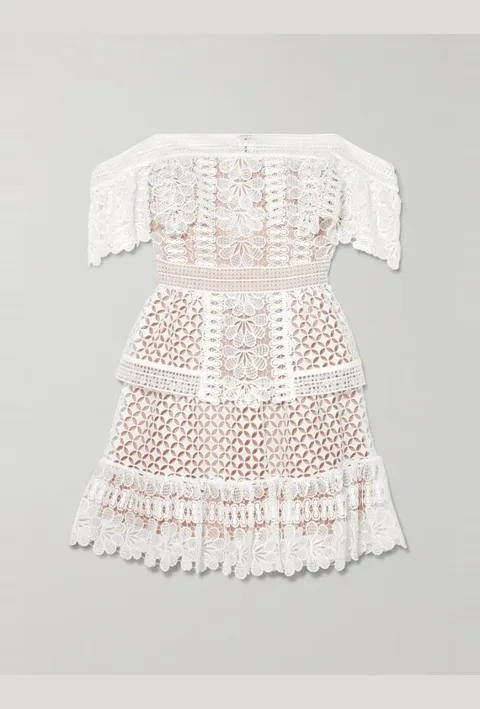
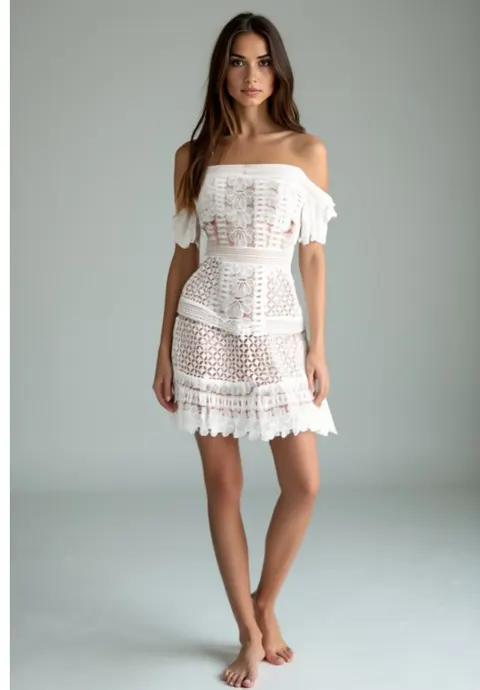 GarmentOn a model
Real results from our system. Drag the slider.
Good photos sell. A shoot for every item does not pay off.
In outlets and returns every item is different and margins are thin. So photos get done fast and badly.
A shoot for 300 returns does not pay off.
A model, a photographer and a studio cost more than the margin on end-of-line stock.
Warehouse photos sell worse.
A garment lying flat does not show how it sits on a body. The buyer cannot tell the fit.
Every batch looks different.
Different light, background and framing. The store looks like a flea market.
Three services. A garment photo is all you need to start.
Start from the photo you already have: flat lay, ghost mannequin or one with a background to remove.
Flat lay to model
A garment shot flat or on a shadowless table, dressed on one of our 22 models.
Ghost mannequin to model
Have ghost mannequin photos, garments shot on an invisible mannequin? We put them on our model. Cut, colour and pattern stay as in the original.
Background removal
The background is gone in under a second, with natural edges. A white background for Allegro and your store.
From a garment photo to an on-model shoot in 6 scenes.
Real photos from our system. Each scene has a caption, or click the one you want.
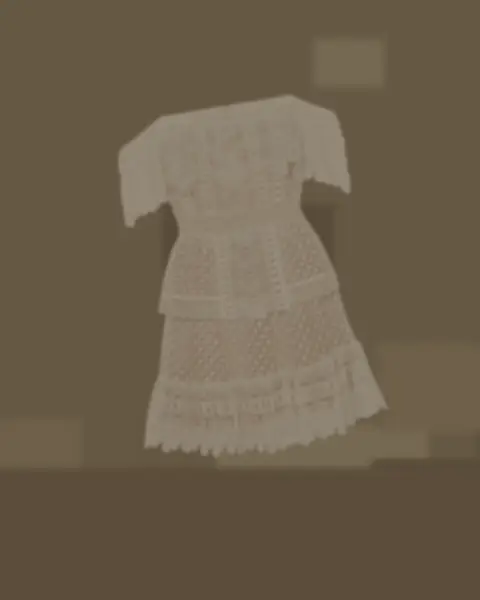 from supplier
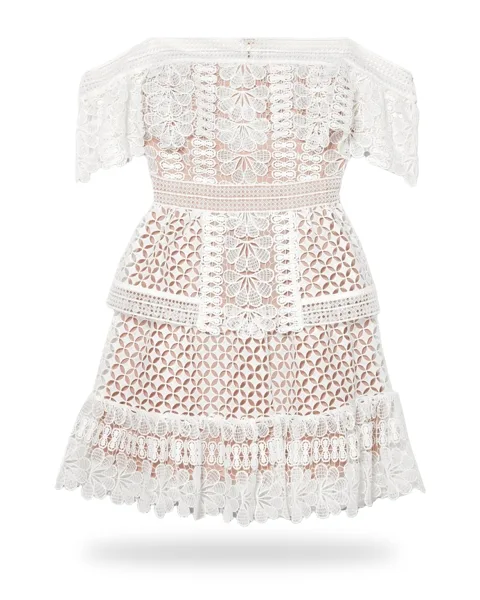

 +
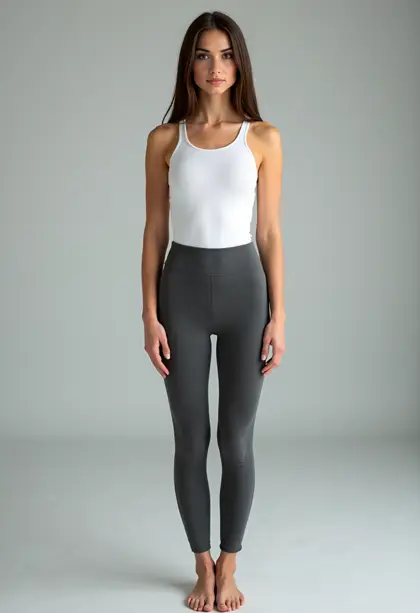
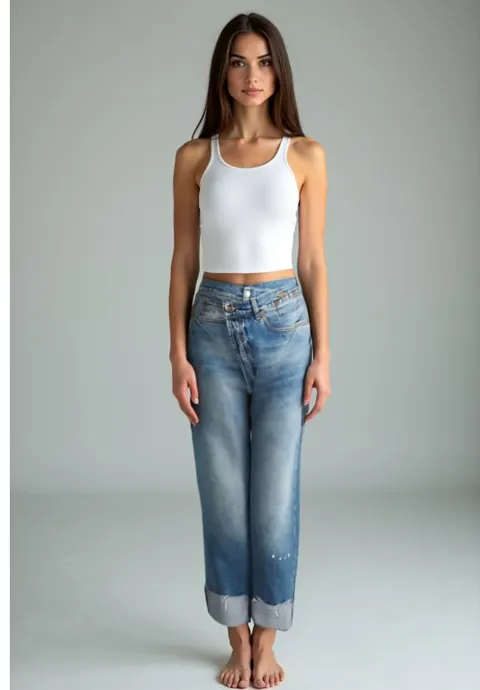
You start with a garment photo: flat lay, a shadowless table shot or a supplier photo. Even one like this.
AI removes the background, straightens the frame and fixes the light. Only the garment remains, on a white background that meets Allegro rules.
You pick one of 22 people: female or male, different looks and body types. The same person then appears across your store.
AI dresses the chosen model in the garment from the photo. Cut, length, colour and pattern stay as in the original.
Every garment in the collection gets the same model, light and background. The store looks like one photo shoot.
No studio, photographer or shoot. Try background removal free right now, and we will show on-model photos on 10 of your products.
Got flat lay photos? We will turn them into photos on our model.
Order a sampleOne garment, a full photo set for the listing.
This is the photo we deliver. Click a number to see what is in it.
- 1A calm background
A plain studio background. For Allegro we cut it to white in under a second.
- 2A consistent model
The same face across your store. You choose body type and pose once.
- 3Cut as in the original
Length, colour, pattern and drape stay unchanged.
- 4Fabric detail
An extra close-up shows weave and texture.
- 5Framed for Allegro and your store
Delivered in Allegro and store sizes, or straight into PIM and Easyitem.
Garment, model, finished photo.
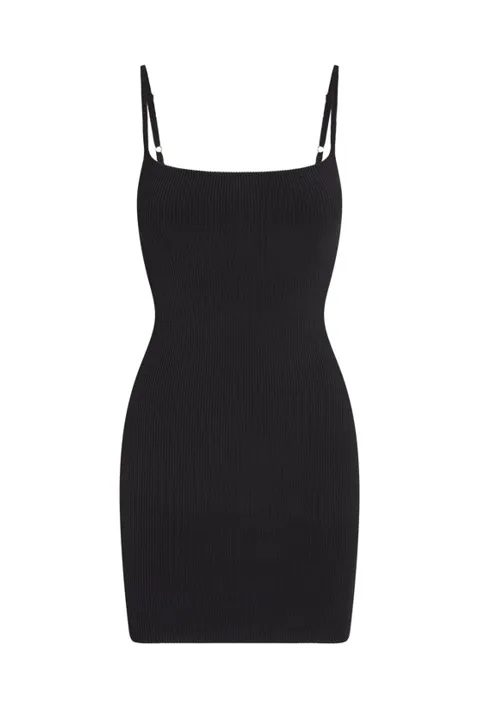
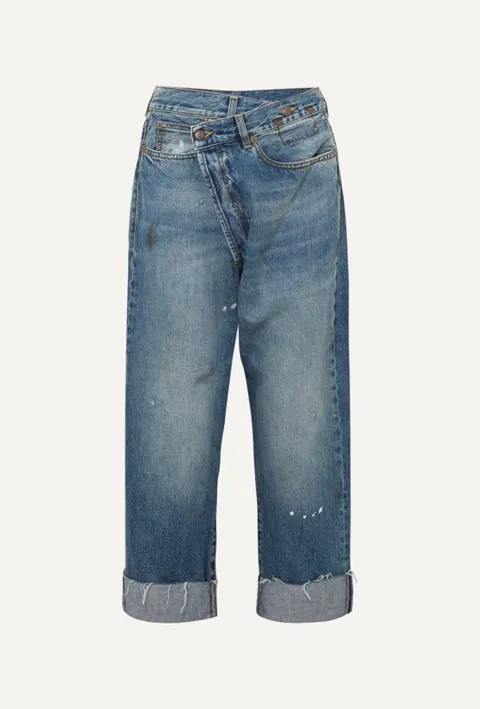
Real results from our system. In the corner, the photo we started from. Hover to see the model before dressing.
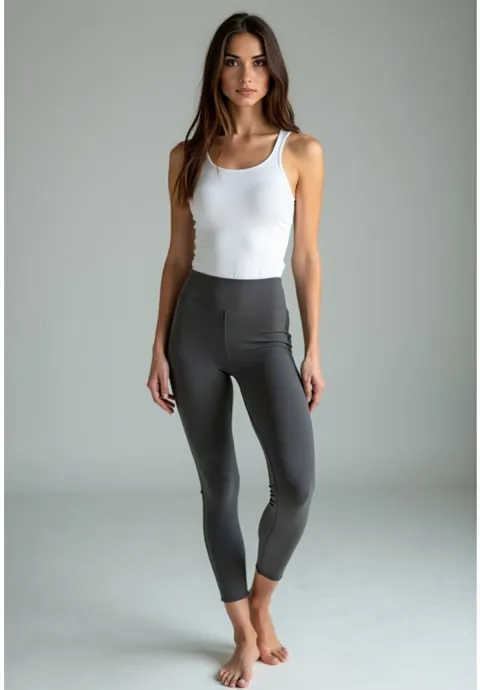
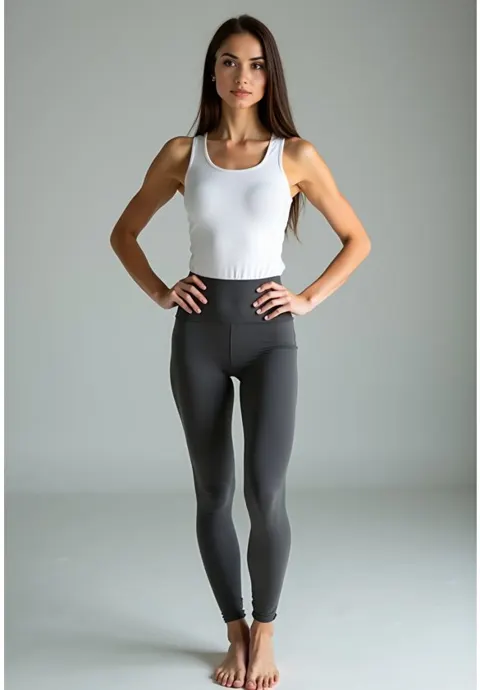
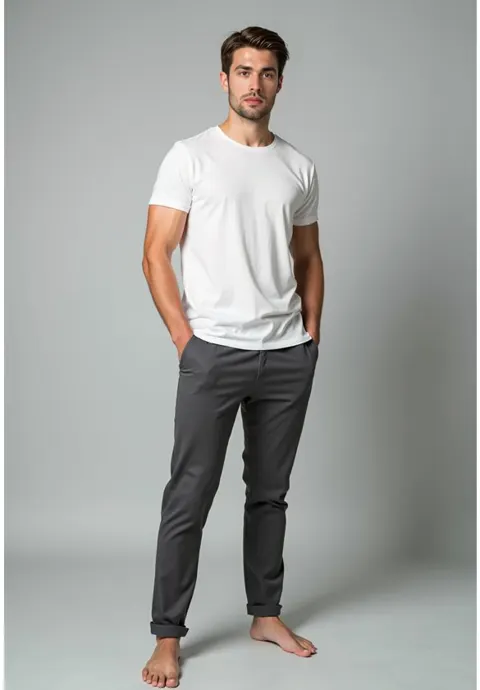
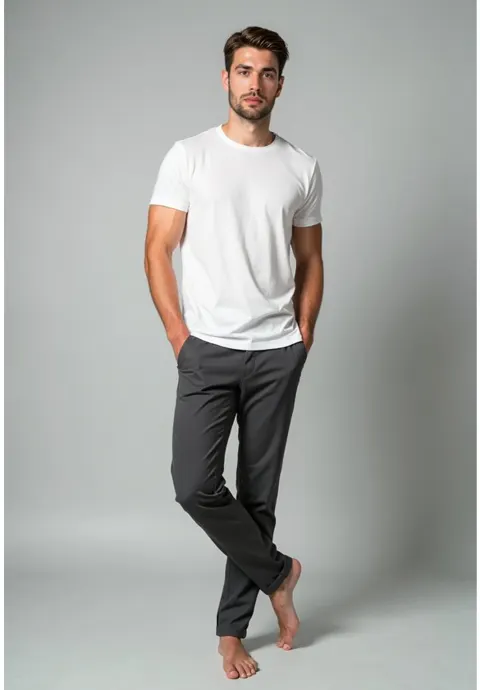
 Model 0110 to 13 poses
22 consistent faces. Pick once, your store looks consistent.
12 female and 10 male models, different looks and body types, plus size included. Each has 10 to 13 poses, so the whole collection looks like one shoot. Click a face to see.
We set up the whole process. Repeatable and fast.
We do more than edit photos. We design the path from the photo station to the finished listing, so every photo looks the same and nothing waits in a queue.
- Shadowless table
A photo on an Orbitvu table: even light, white background, no shadow. Every shot the same.
- Straight to us
With our Orbitvu integration the photo reaches us by itself. Nobody copies files.
- AI: model and background
We dress our model and set the background for Allegro and your store.
- Live in the listing
Photos land in the listing on Allegro, in your store or in Easyitem.
Orbitvu. Have an Orbitvu shadowless table or planning to buy one? We connect it, and its photos go straight to AI processing and into listings.
Background removal already runs at scale.
On-model photos are above: real results from our system, 22 models, garments from dresses to jackets.
A designer needed 1 to 2 minutes per photo. At that volume the store had to keep hiring.
With Contelizer AI the background is gone in under a second, with natural edges. Photos meet Allegro requirements and the team moved from retouching to selling.
A consistent catalogue without copying files.
„Product photos go straight from the system to the store as ready CDN links. We do not copy files or wait for a designer, and the catalogue looks consistent.”
What does manual photo editing cost you?
Move the sliders. This counts photo preparation only, without shoots or models.
That is 0 a year and 0 work hours a month.
With Contelizer you keep about 0 a month.
Get a quote for 2000 photosQuestions we hear most.
Does the model look natural?
Yes. We use a fixed set of models, so face and body stay consistent across the store. You will see it on the sample before you decide.
Will the garment change shape?
Cut, length, colour and pattern stay as in the original. Any photo that alters them is rejected.
I have ghost mannequin photos. Can you use them?
Yes. A ghost mannequin photo, a garment on an invisible mannequin, goes onto our model just like a flat lay. You will see the result on the sample before you decide.
How much does it cost?
It depends on monthly volume. We start with a sample of 10 products, then you get a quote.
Does it work beyond fashion?
Background removal works for any product. Dressing the model is for apparel.
We have an Orbitvu table. Will it connect?
Yes. We integrate with Orbitvu: photos from the shadowless table go straight to processing and into listings.
How do I take a good flat lay photo?
Lay the garment flat on a plain surface, smooth it out and shoot straight from above in daylight. A phone is enough.
Order a sample of 10 products.
Send us 10 flat lay or ghost mannequin photos. We will return them as photos on our model with a clean background.
- 1We reply
Within one business day, in person, no bots.
- 2A 20 minute call
About your products and numbers, not our pitch.
- 3A sample or a plan
You see results on your own data before you sign anything.